Ccount provides structured export files intended to support migration or import workflows for QuickBooks, Xero, Sage and Tally. Export formats and mappings vary by product edition and configuration.

Structured CSV exports for contacts, invoices and expenses. Review field mappings before import.
Xero-oriented CSV column labels for contact, invoice and expense migration workflows.
CSV export mappings for common Sage import workflows. Sage editions vary, so mapping review is required.
XML voucher export for supported sales and expense records. Ledger-name mapping may be required.
Exports are generated from the signed-in company's tenant-scoped records.
Always test a small sample and verify account, tax and field mappings before importing a full dataset.

Ccount's Export Center is designed to help customers move selected bookkeeping data into other accounting systems without claiming a direct integration or live synchronization.
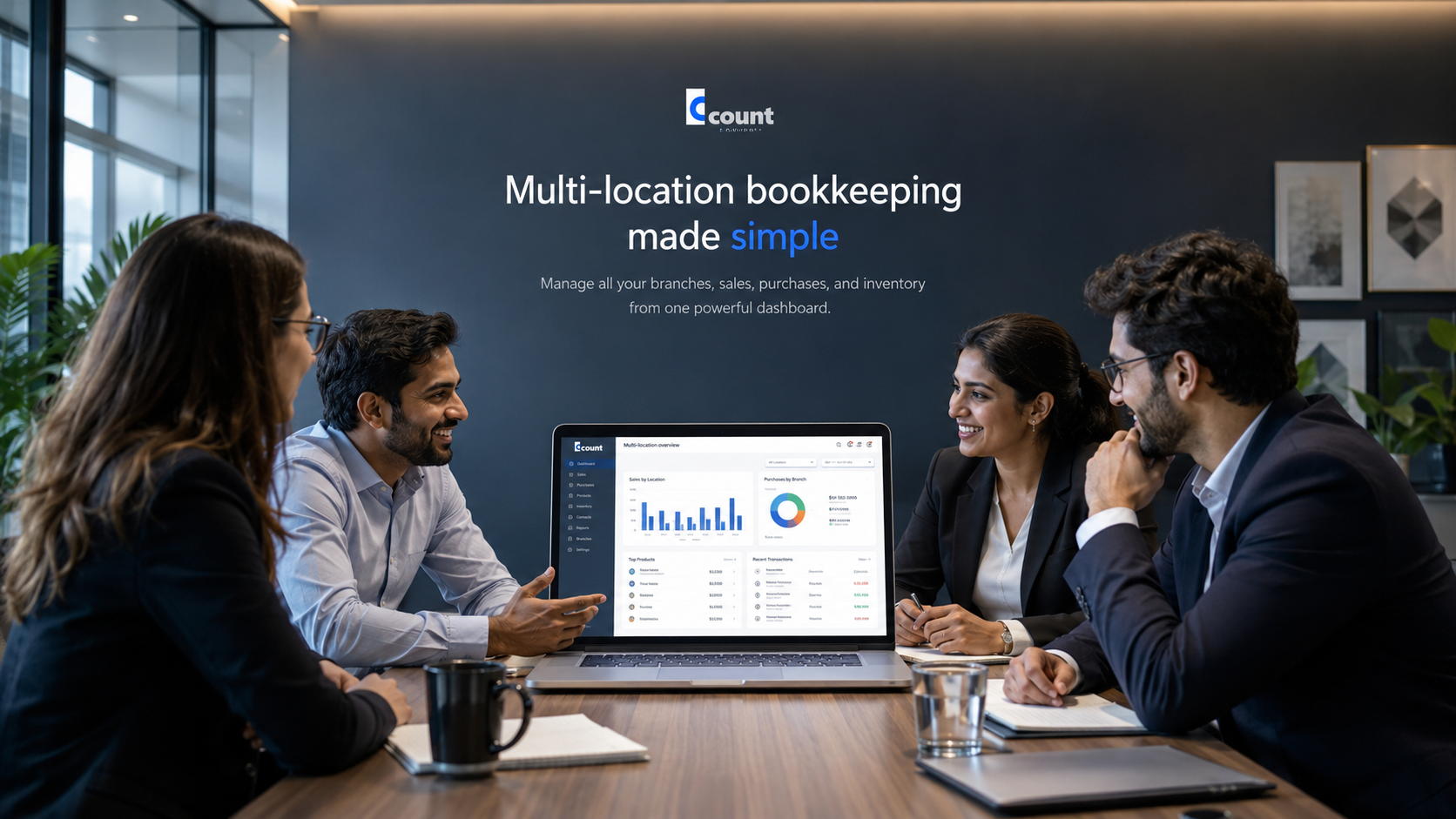
Realistic examples of invoicing, team collaboration and business reporting. Screen content is illustrative and reflects Ccount's recordkeeping functions.